
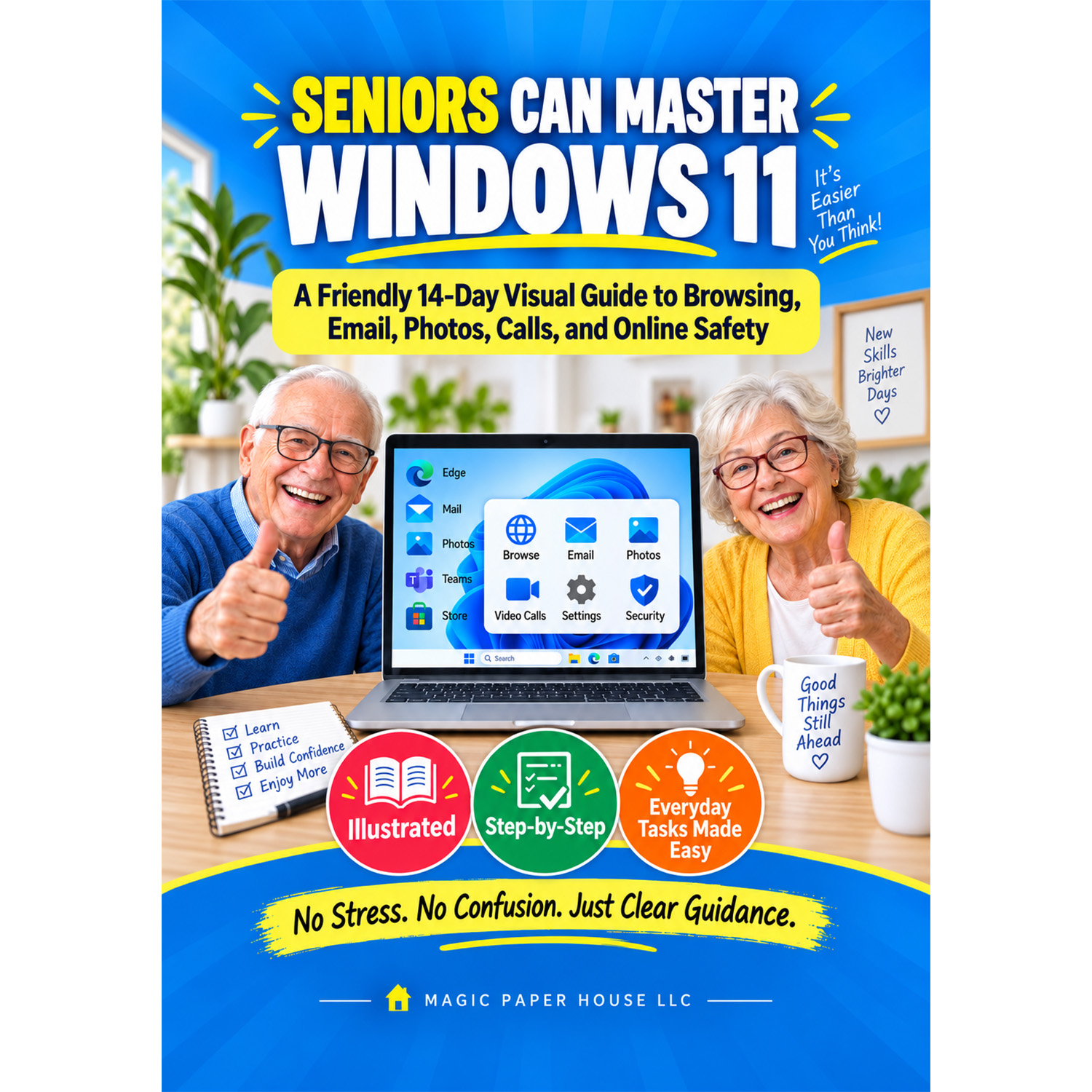


SENIORS CAN MASTER WINDOWS 11:A Friendly 14-Day Visual Guide to Browsing, Email, Photos, Calls, and Online Safety
$69.99
Description
Build confidence with Windows 11 through a friendly 14-day learning plan created for seniors and beginners. This easy-to-follow guide breaks everyday computer skills into clear, manageable steps, helping readers get comfortable with the desktop, Start Menu, taskbar, apps, Wi-Fi, web browsing, email, files, photos, video calls, printing, settings and more. It also introduces practical online safety topics such as updates, built-in security tools, suspicious emails, passwords and privacy. The calm, visual approach is designed to reduce confusion and make daily computer use feel more approachable. A practical choice for older adults who want to learn at their own pace, stay connected with family and friends, handle common tasks independently and enjoy Windows 11 with greater confidence.
Reviews (0)







Reviews
There are no reviews yet.